AI Fuse Bead Effect Generator
Describe what you want and AI renders it as a fuse-bead pixel art effect.
How it works
Describe
Type what you want to see as fuse beads — a scene, animal, character, logo, or abstract idea.
AI renders
The Seedream AI model renders it as a pixel-perfect fuse-bead effect: vibrant flat colors and visible bead-grid texture.
Use it
Download the PNG for inspiration, or send it to the pattern generator to turn it into a buildable bead grid.
AI-generated examples
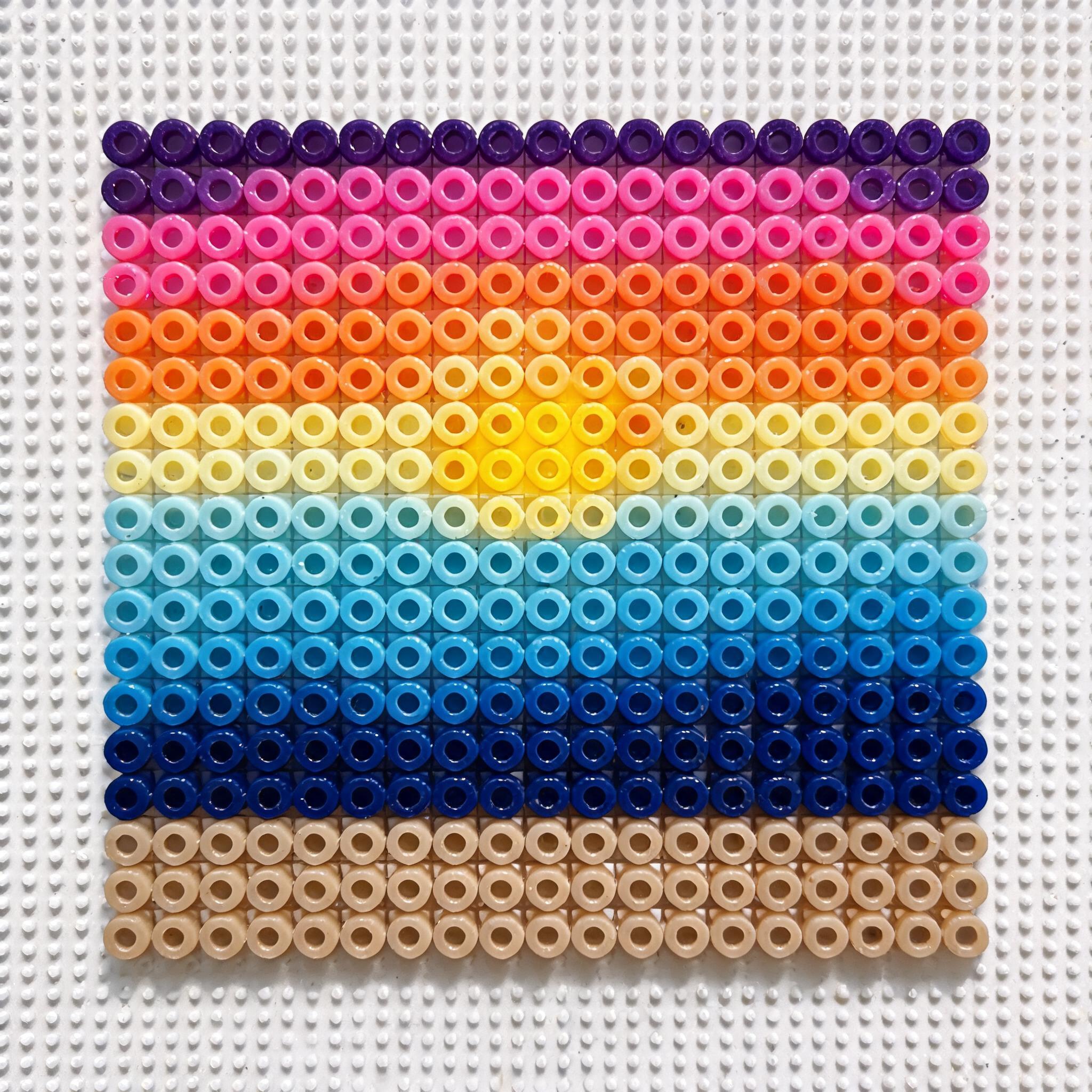
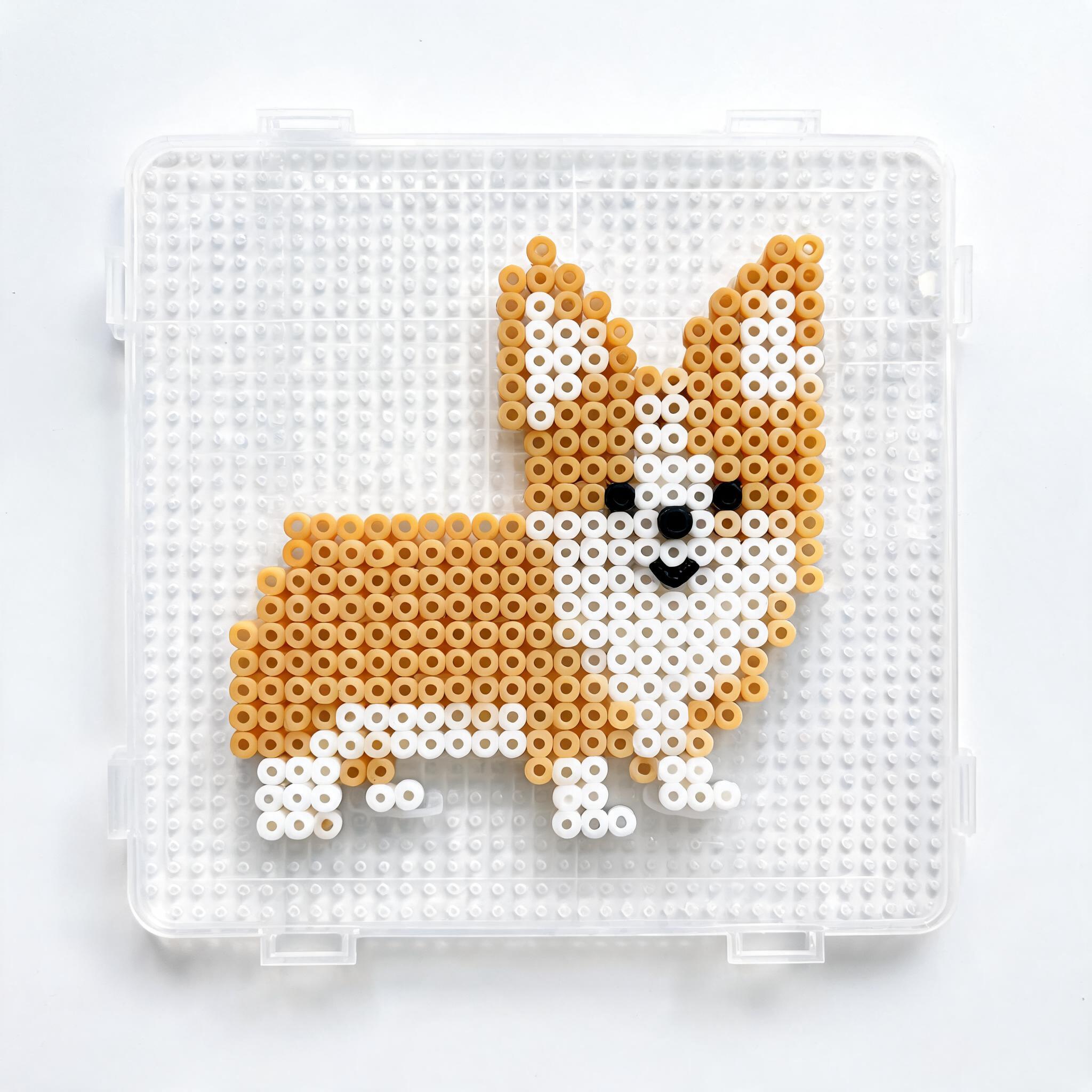
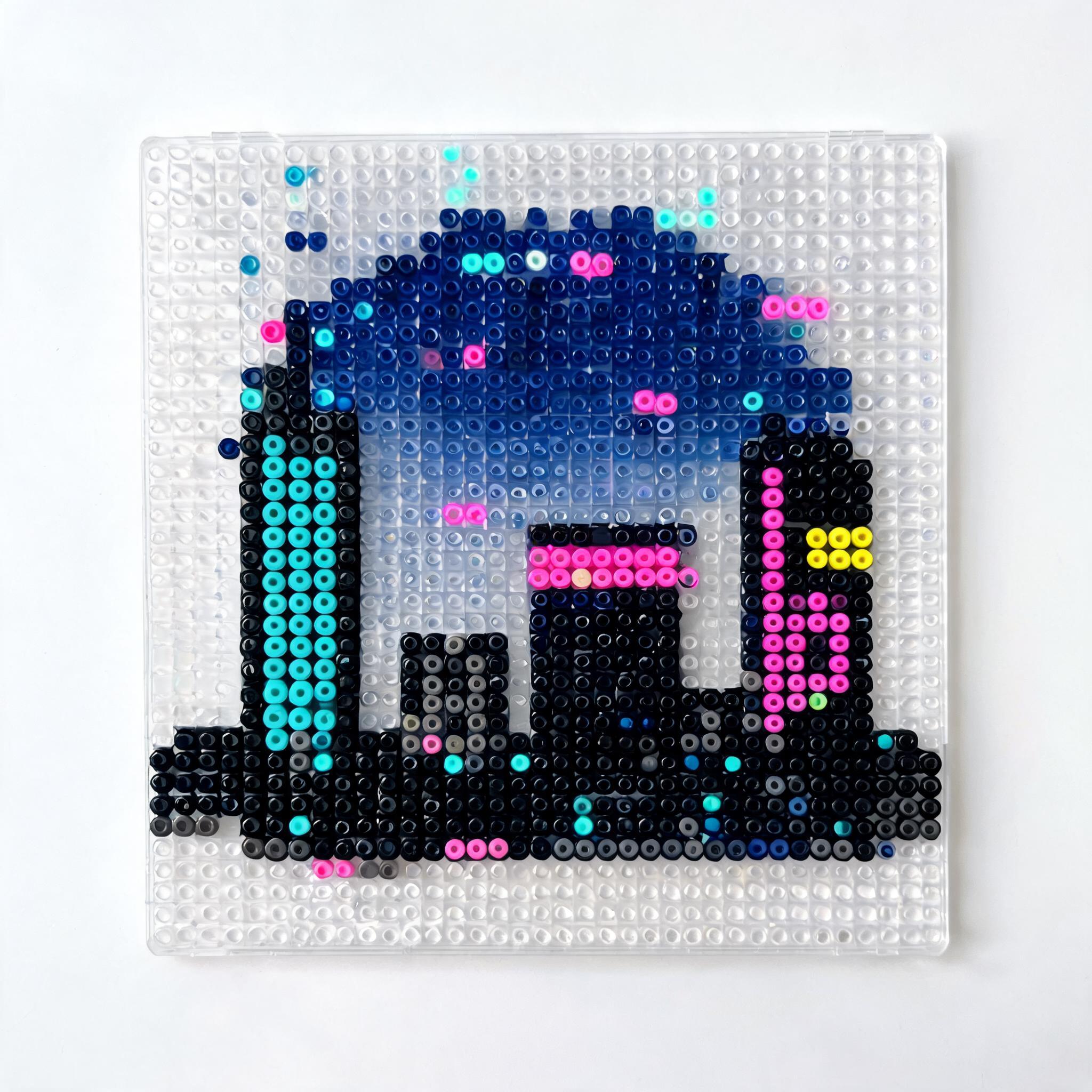
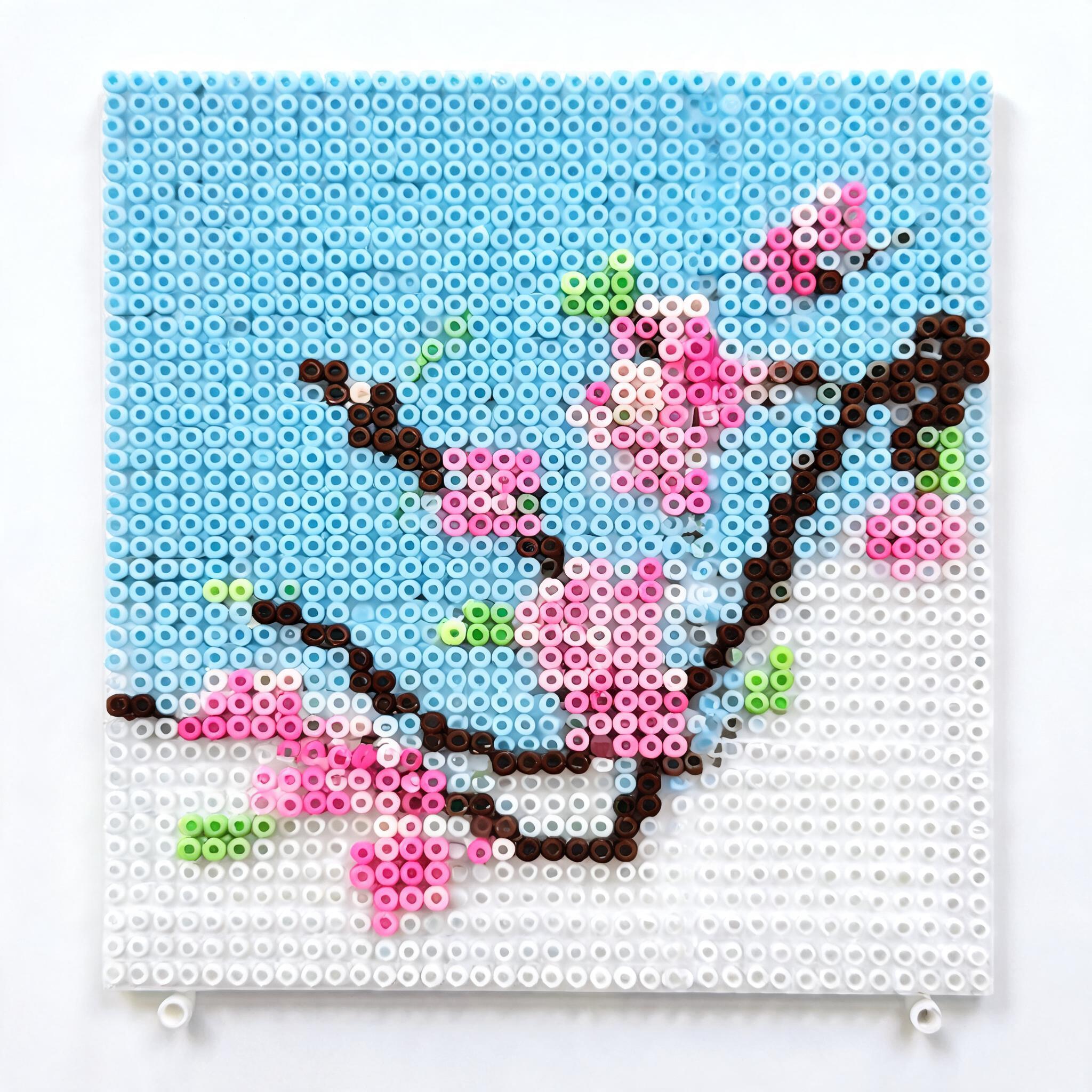
Real fuse-bead effect images generated by this tool — each is a single AI render, unedited.
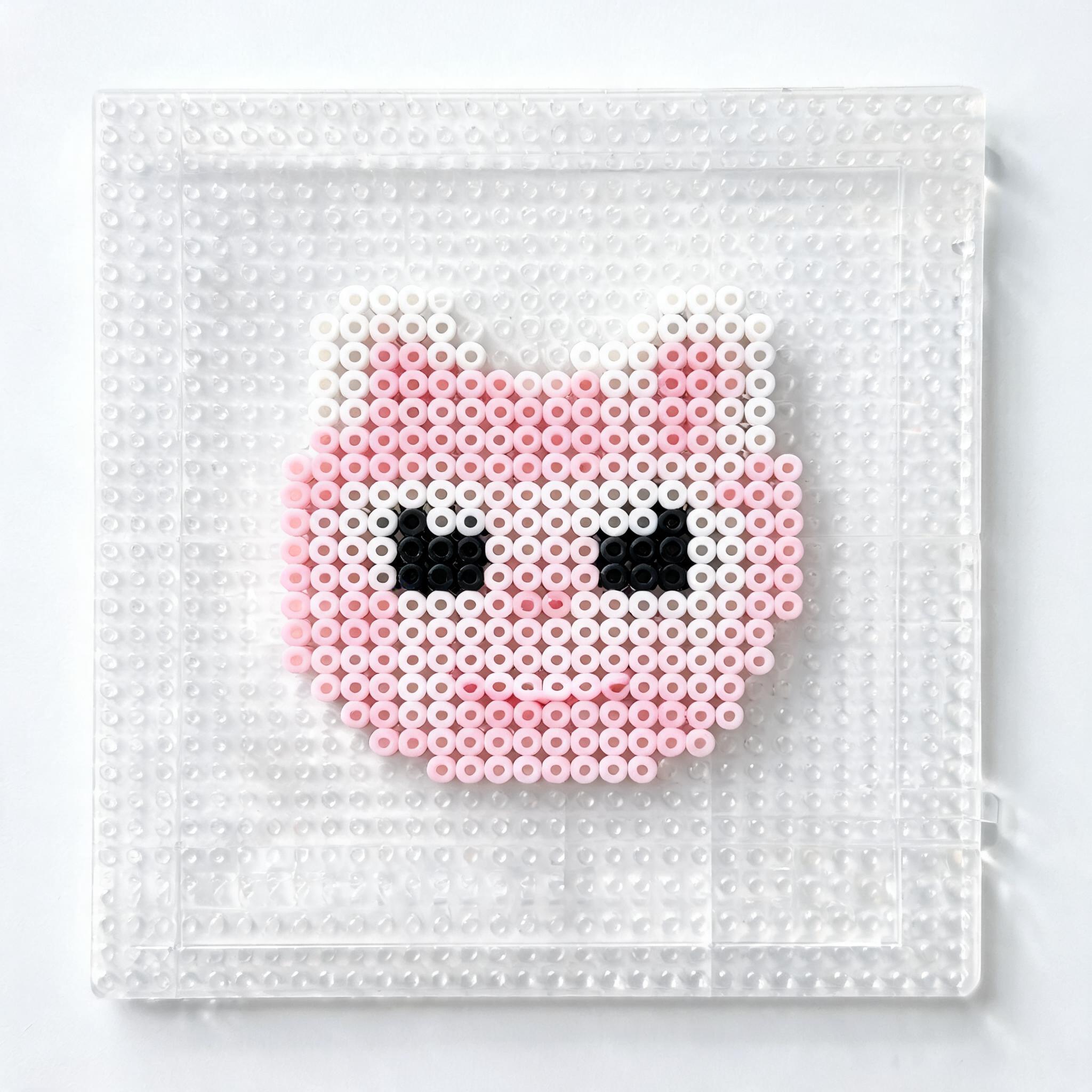
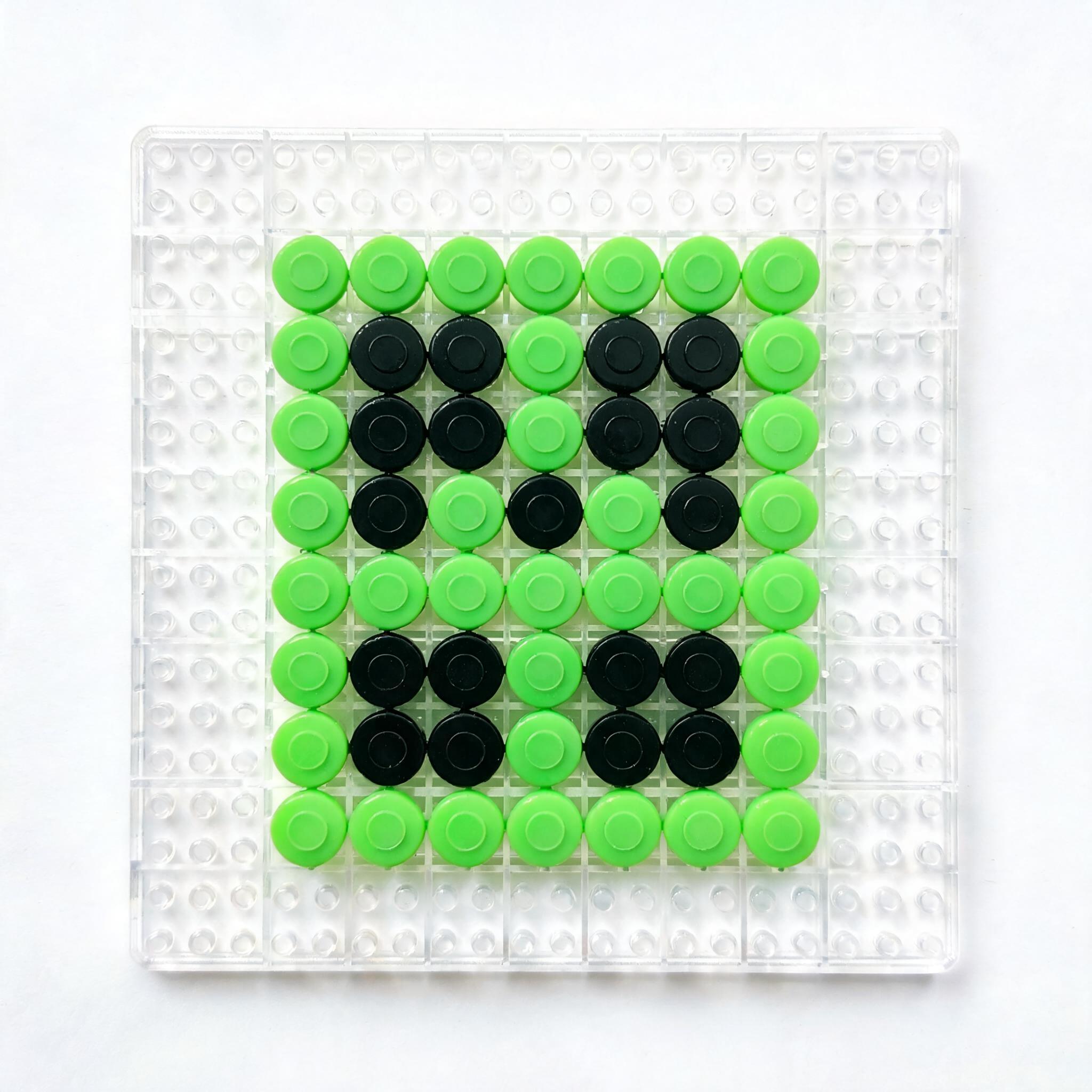
What to visualize
FAQ
Is this tool free?
Yes — every account gets one free lifetime generation. Need more? Use the contact form after your first generation.
Is the result a real bead pattern?
No. This tool renders an AI effect image — a visualization for inspiration, not a buildable grid. Use the pattern generator to convert it into a real, color-counted bead pattern.
What can I describe?
Anything: landscapes, animals, characters, logos, abstract ideas. More specific prompts render sharper results.
Which AI model does it use?
Seedream (Doubao), prompted specifically for fuse-bead / perler bead pixel-art style.
How long does it take? Can I download?
About 10–30 seconds per image, and yes — download your effect as a PNG, free.
Can I turn the effect into a real pattern?
Yes — after generating, click “Turn this into a bead pattern” to send the image to the pattern generator, which produces a buildable grid with exact colors and bead counts.
Effect image ≠ bead pattern
This tool produces a stylistic effect image for inspiration, not a pixel-accurate bead grid. For exact bead counts, palette-matched colors, and pegboard sizing, use the fuse bead pattern generator.